Rig an animal
You will make: a wolf that walks, trots, gallops and howls. Time: 10 minutes.
The fast way
Section titled “The fast way”- Open Voxel Library, search for wolf, and click Create Character.
- Click Character ▸ Use Prepared Body Parts ▸ Looks Good — Create Rig.
- Click Walk, Trot, Gallop or Idle. More Animations has Jump, Graze, Sit, Lie Down, Howl, Bite, Rear Up, Buck, Hit and Death.
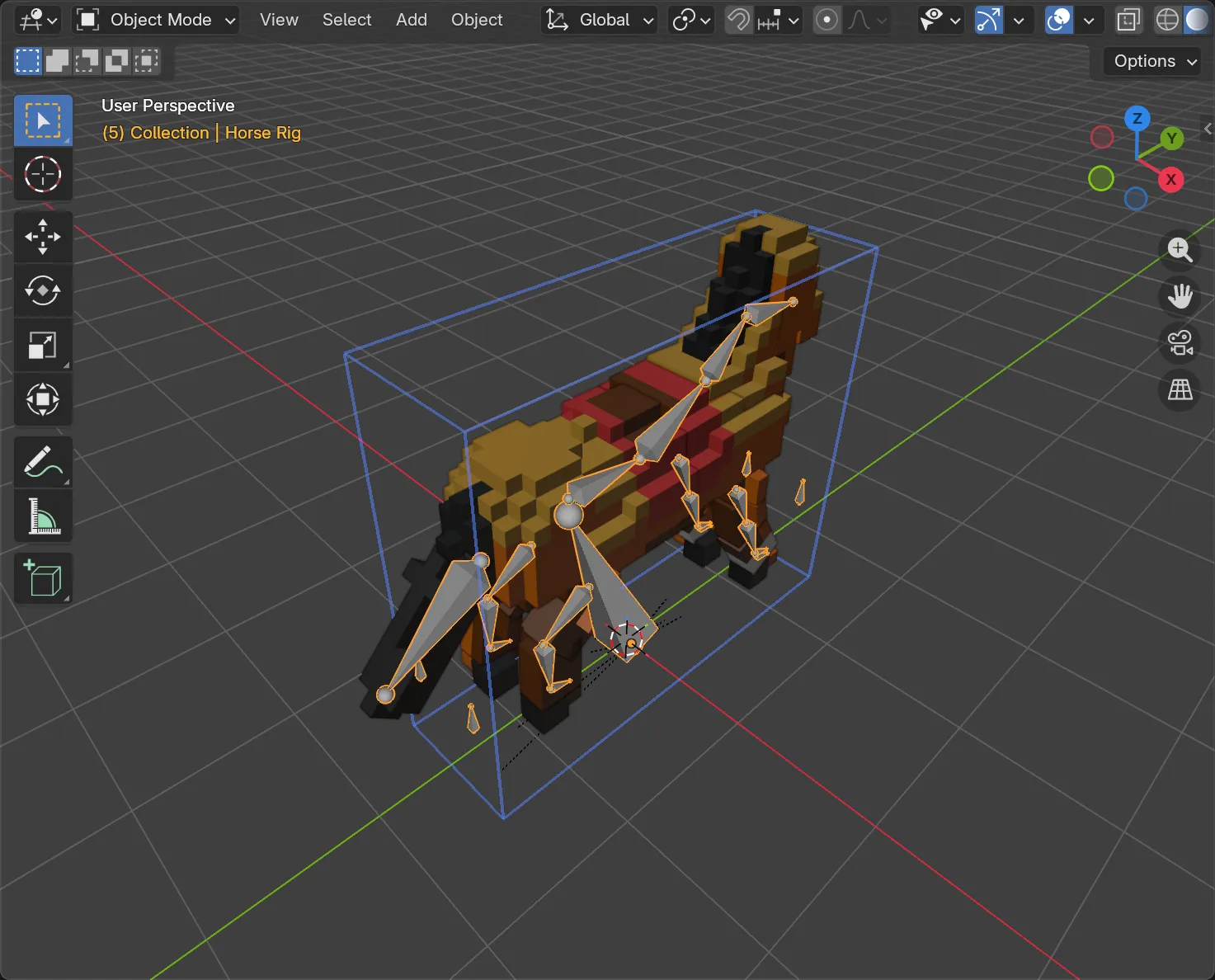
The same works for the horse, fox, deer, pig, cow, goat, boar, donkey, sheep and mammoth.
Your own animal
Section titled “Your own animal”The model must stand on four legs on the ground, with Z up. It can face any way.
-
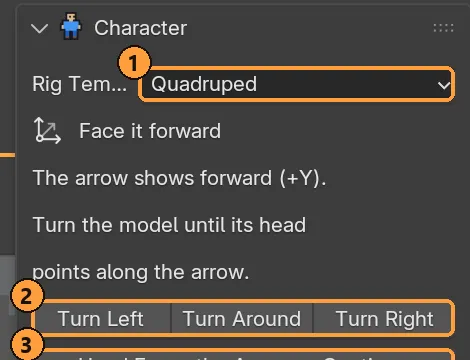
Select it, then click Character ▸ Rig Template: Quadruped ▸ Prepare Rig.
-
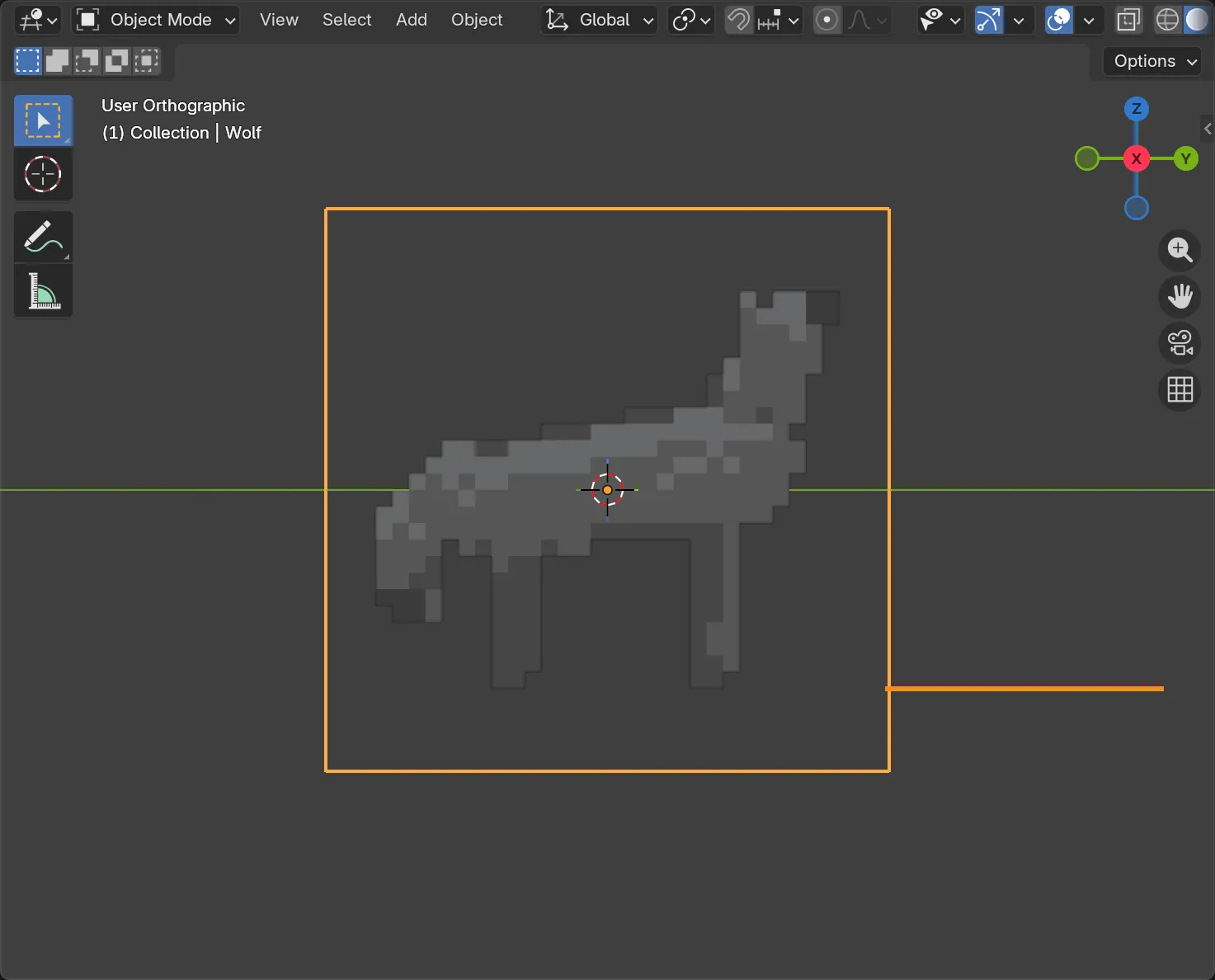
Face it forward. Use Turn Left, Turn Around or Turn Right ② until the head points along the arrow, then click Head Faces the Arrow — Continue ③. This turns the grid itself, in exact quarter turns.
-
Review the suggestions. A suggestion is already selected for each part: body, neck, head, tail, and the upper leg, lower leg and foot of each leg. Fix it if needed and assign it. No tail? Click Skip: No Tail.
-
Check the bends with Preview Leg Lift and Preview Head Down. Adjust with Adjust Knee or Adjust Neck if needed.
-
Click Looks Good — Create Rig.
- A horse can’t reach the grass with its muzzle when it grazes, because its legs are long for its neck. That’s anatomy, not a bug.
- A tail as thick as the body, like a fox’s brush, may need its suggestion corrected by hand.
- Saddles, packs and other one-sided details are fine. Mirroring on animals only adds voxels to the other side and never erases any.