Generate a scene
You will make: a small island with a beach, woods, boulders and a sea. Time: 10 minutes.
1. A big enough model
Section titled “1. A big enough model”New Model: Size 128, then Add Voxel Model. Load the Verdant Forest palette.
2. Ground
Section titled “2. Ground”-
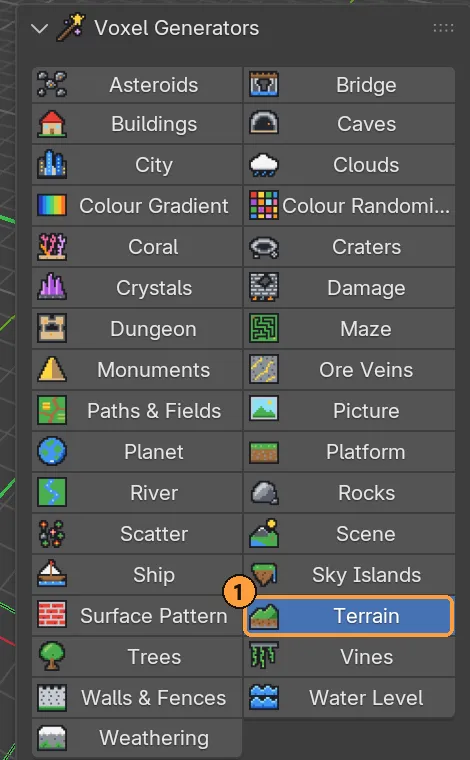
Open Voxel Generators, pick Terrain ①.
-
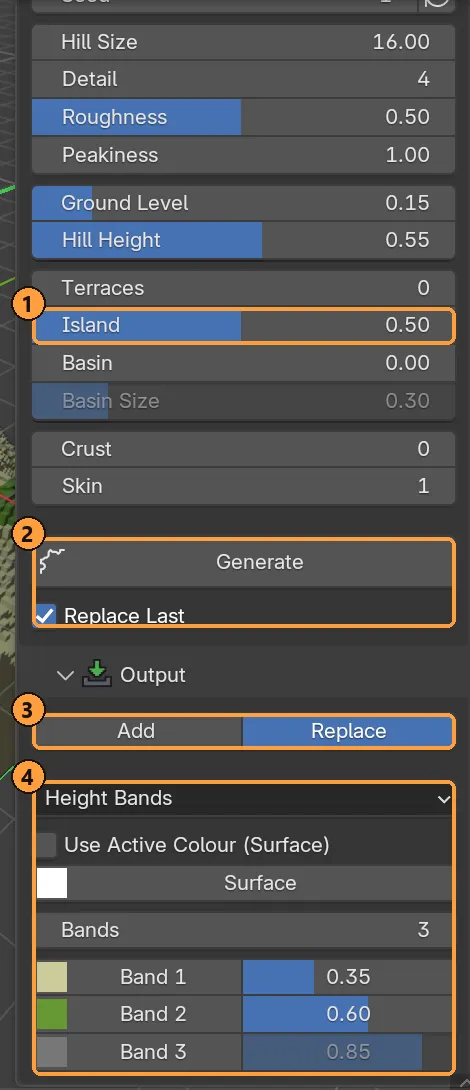
Source: Noise. Raise Island to about 0.6, so the ground sinks towards the edges and ends in shoreline instead of running off the grid.
-
Output: Replace; colours: Height Bands with sand, grass, rock and snow.
-
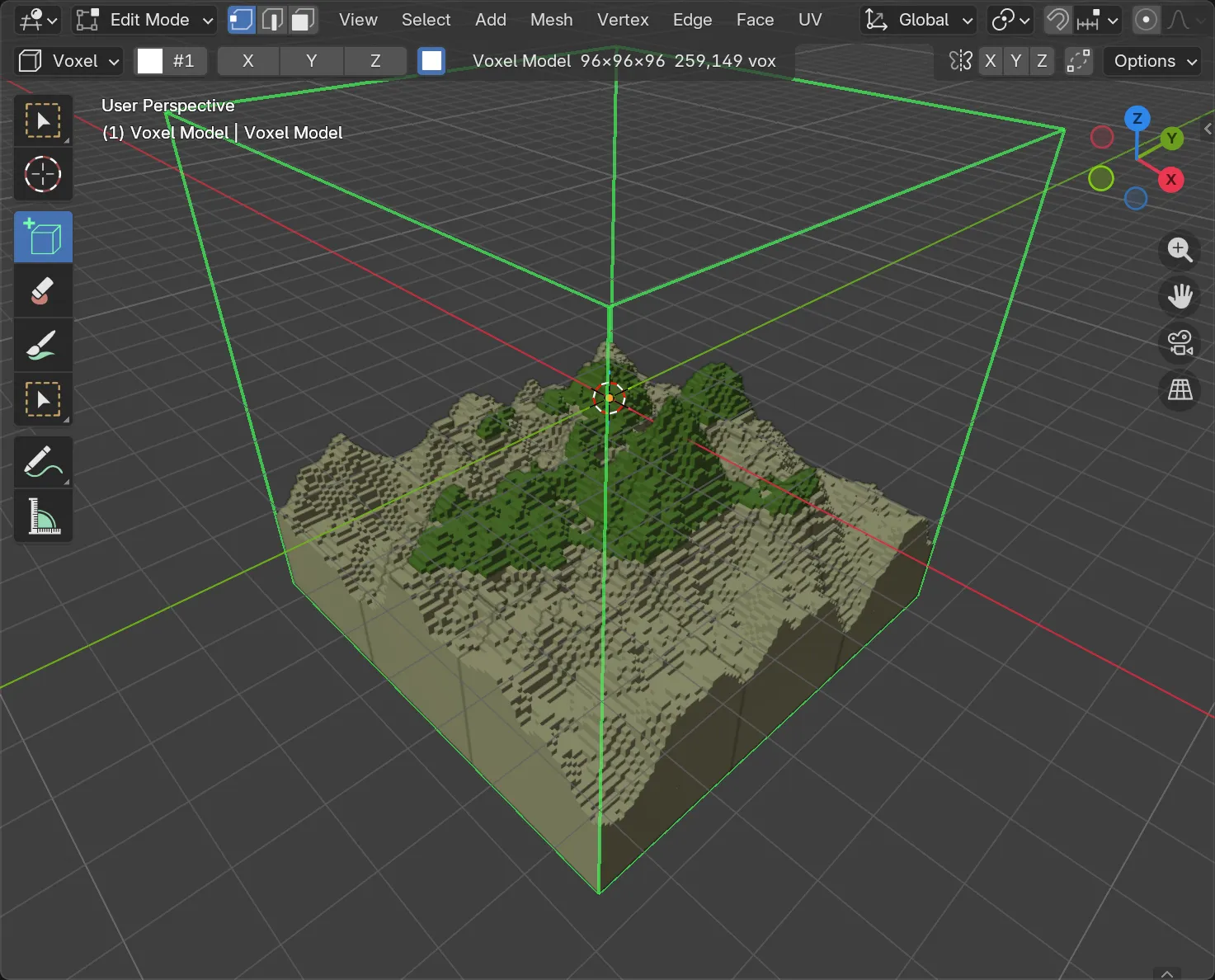
Generate. Don’t like it? Change the seed and press Generate again. With Replace Last on, the old result is taken back first.
3. Sea
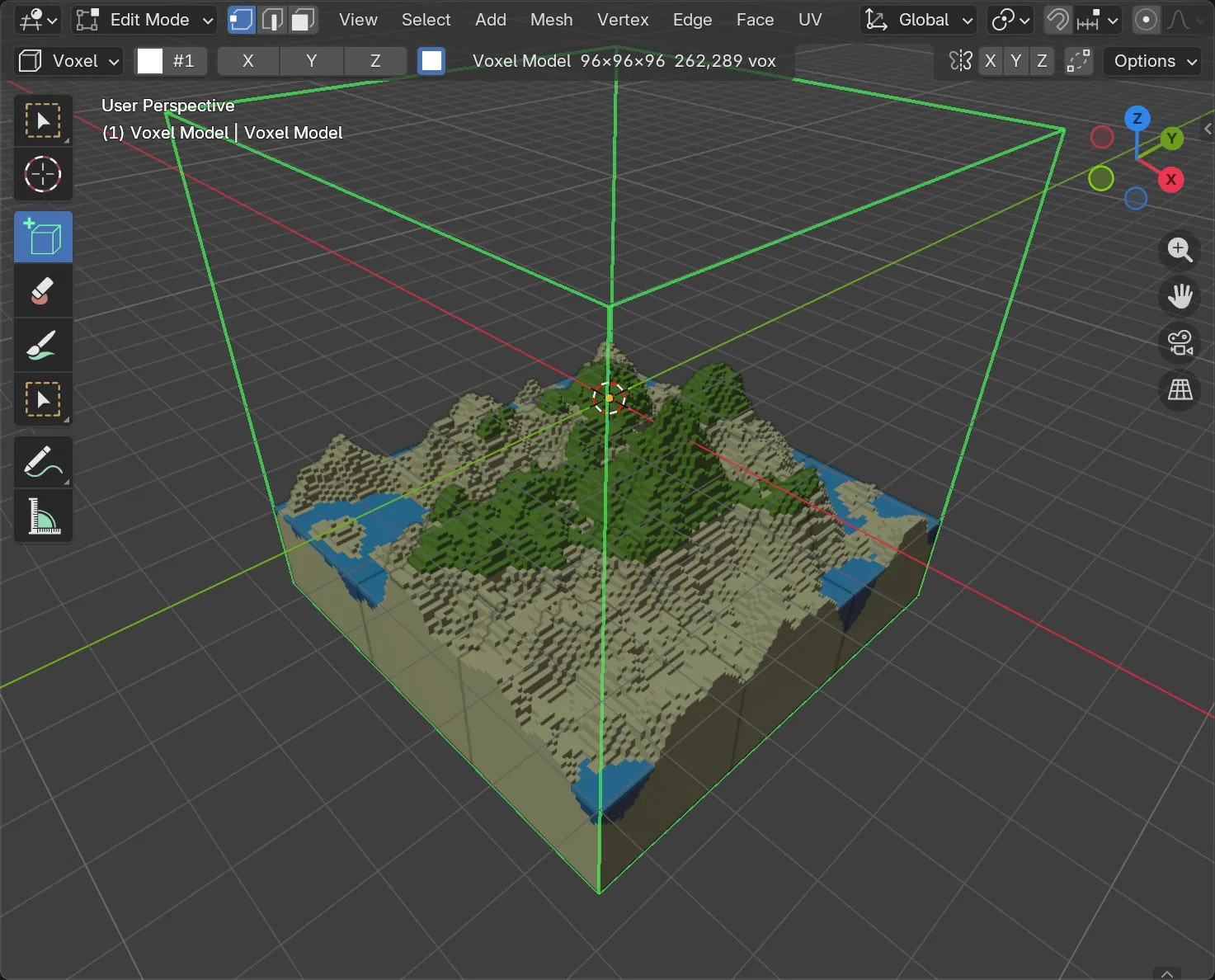
Section titled “3. Sea”Pick Water Level, set the output to Add, set the waterline a little above the beach, and Generate. Everything empty below the line becomes water.
4. Woods and rocks
Section titled “4. Woods and rocks”Output mode is now Add for everything, so nothing already built is lost.
-
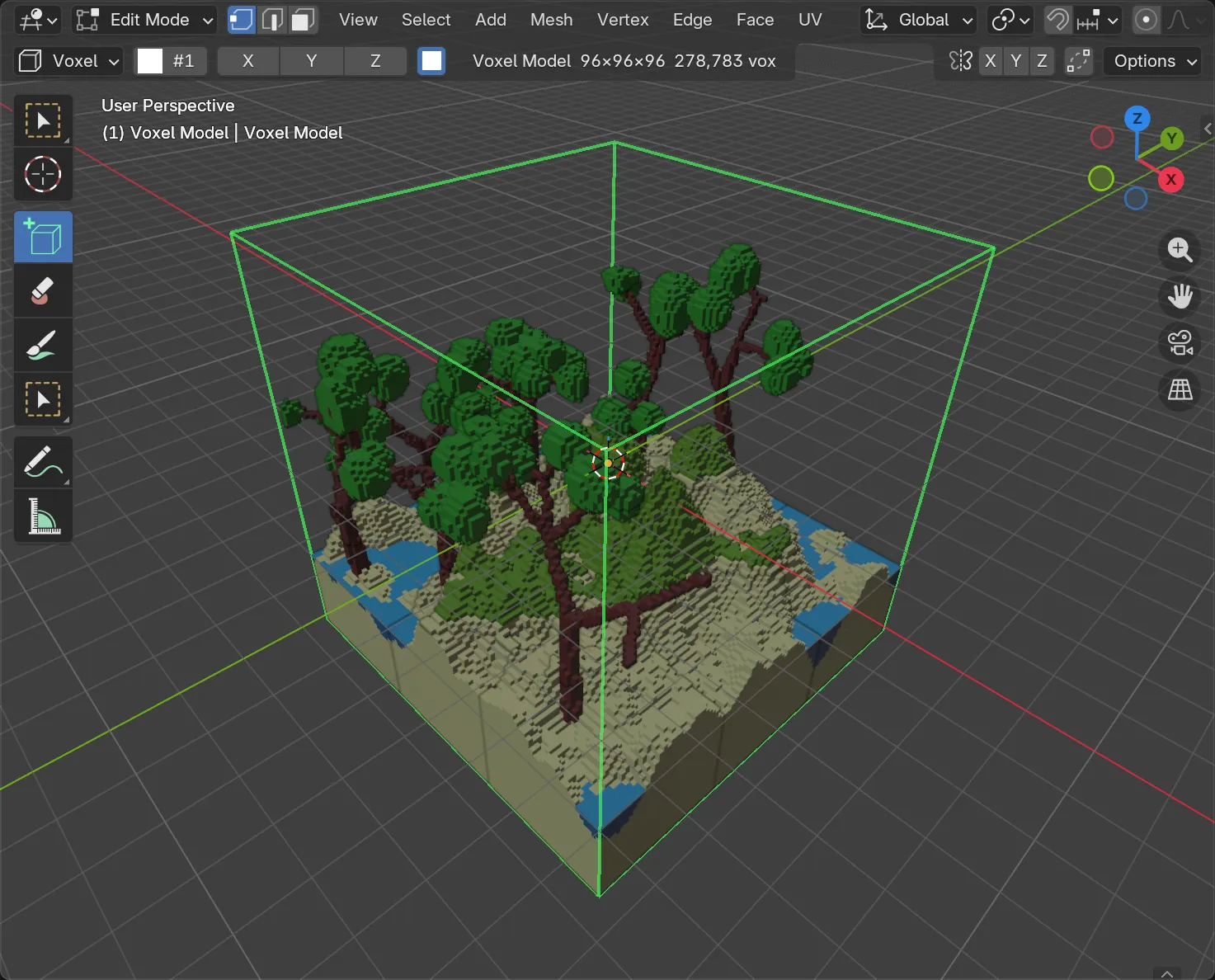
Trees: set Count to 7 and Generate. They stand on whatever ground is there.
-
Rocks: choose a boulder field, lower the density, Generate.
-
Scatter: plant flowers or bushes from the library. Limit the slope so nothing grows on cliffs.
5. Finish
Section titled “5. Finish”Weathering: snow on the peak, moss on the shaded sides. Clouds if you like.
Every press was one undo step. Ctrl + Z walks back through them.
6. Or in one press
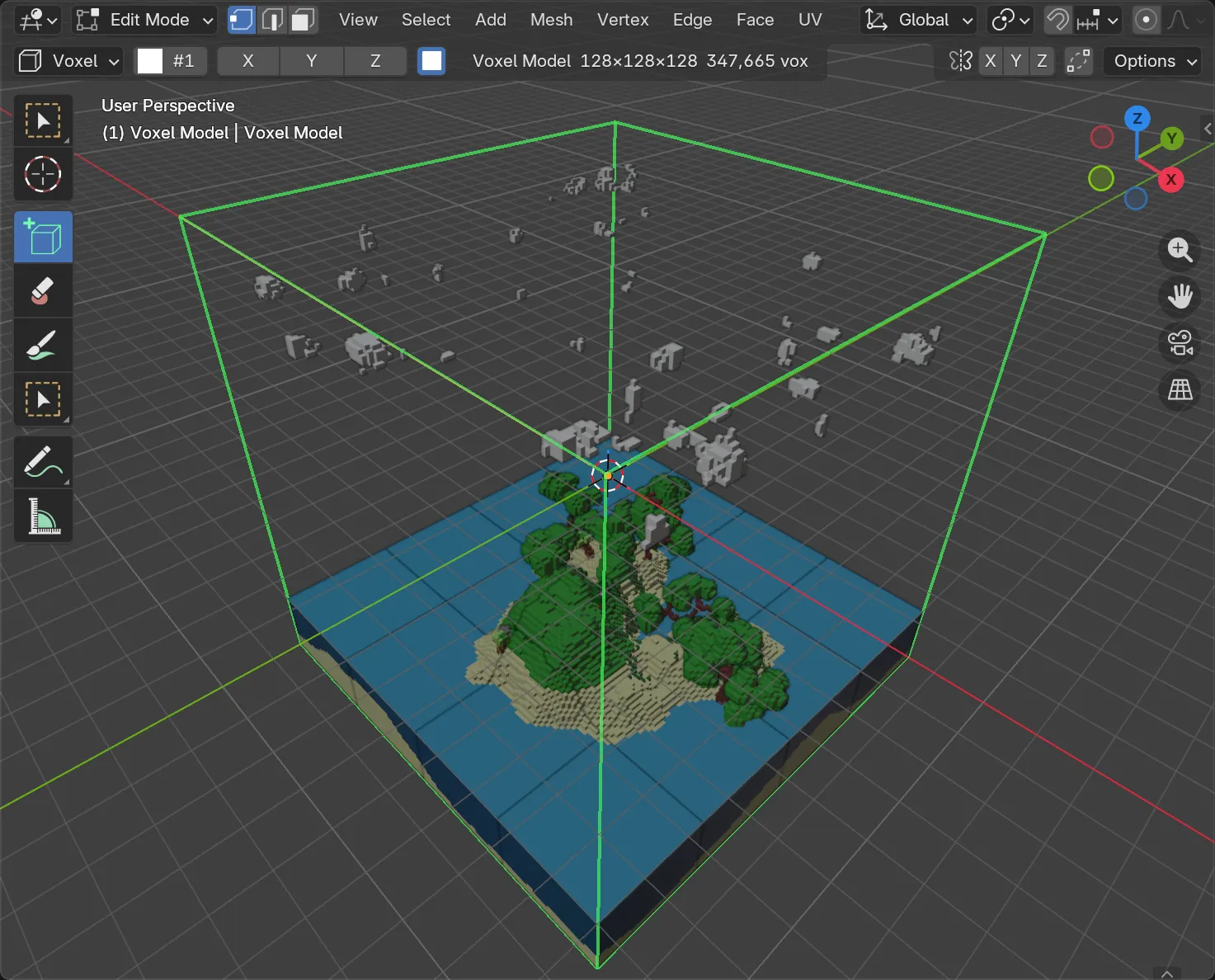
Section titled “6. Or in one press”Make a new 128 model, pick Scene, choose the Island preset and press Generate. It runs the same kind of recipe for you. Try Floating Islands, Crystal Cavern (with Cutaway on to see inside) or Modern City.
Render it
Section titled “Render it”Switch the viewport to Material Preview. The water palette entries have real transmission once Water Colours is on (Scene) or the Water and Glass palette is loaded. See Palette.