Rig a slime
You will make: a blob character that hops, wobbles and melts. You will learn: the Slime rig template, Create Slime Rig, the Top/Body/Root controls, and the difference between Reset Pose and Rebuild Slime Rig. Time: 8 minutes.
Slimes are not biped or quadruped rigs scaled down — they’re a different mechanic entirely. There’s no body-part wizard to walk through: the rig fits itself to whatever shape you built.
1. A blob to rig
Section titled “1. A blob to rig”-
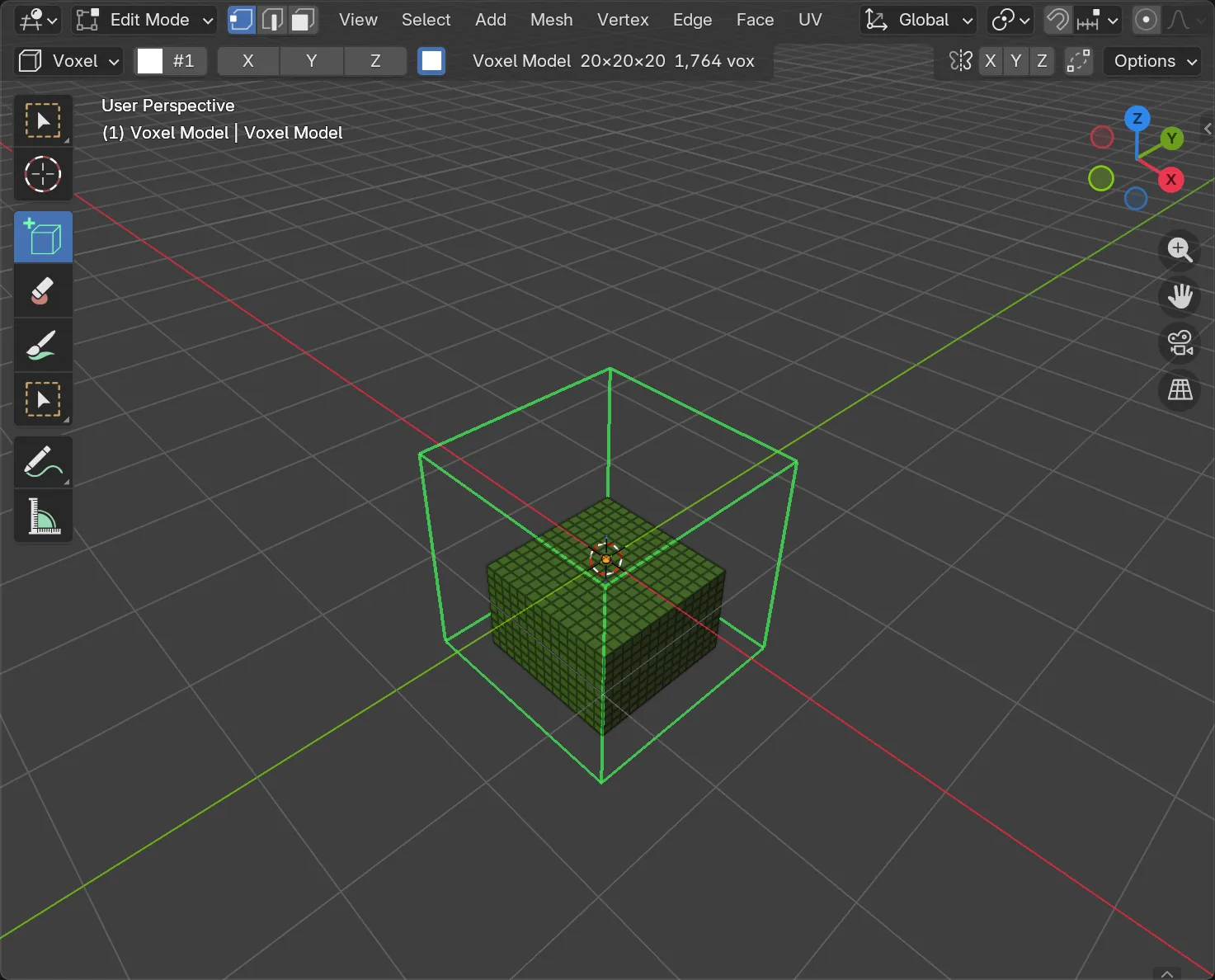
Voxel ▸ New Model: Size 20, Add Voxel Model.
-
Model a rounded lump — a box brush core with the corners knocked off reads fine; slimes don’t need to be exact. Paint it any single colour.
-
Open Character and set the rig type to Slime.
2. Create the rig
Section titled “2. Create the rig”Press Create Slime Rig. That’s the whole step — no body parts to assign, no bends to check.
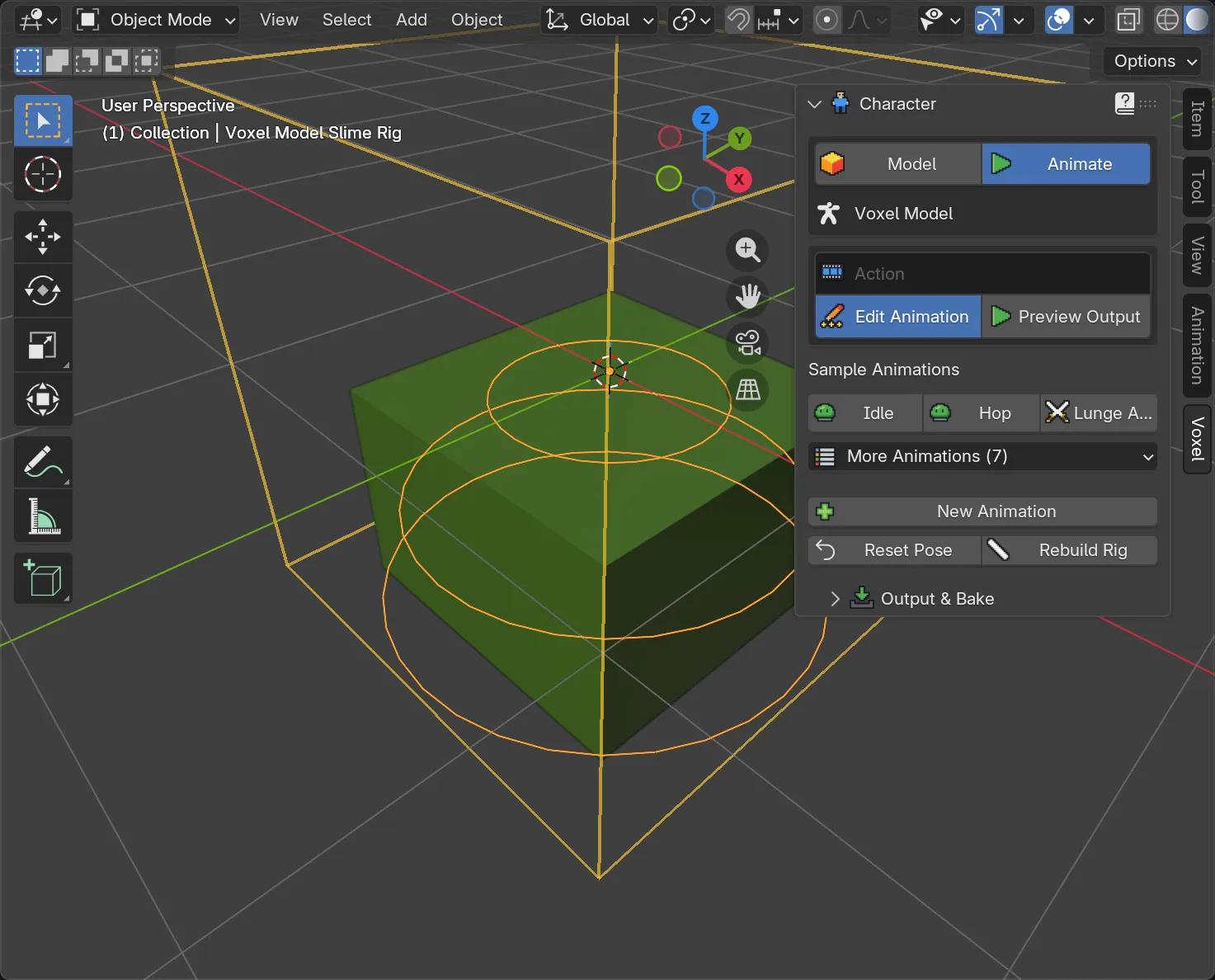
The panel now looks like the biped and quadruped ones once their rigs exist: Model and Animate at the top, then sample clips, an Animation section, and two buttons at the bottom — Reset Pose and Rebuild Rig.
3. The three controls
Section titled “3. The three controls”Click New Animation, then Edit Animation to enter Pose Mode, same as any other rig. Select each bone directly in the viewport:
- Top — move it up or sideways to stretch the blob tall or lean it over.
- Body — move it to wobble or bulge the middle.
- Root — moves the whole character, the way a hip bone would on a biped.
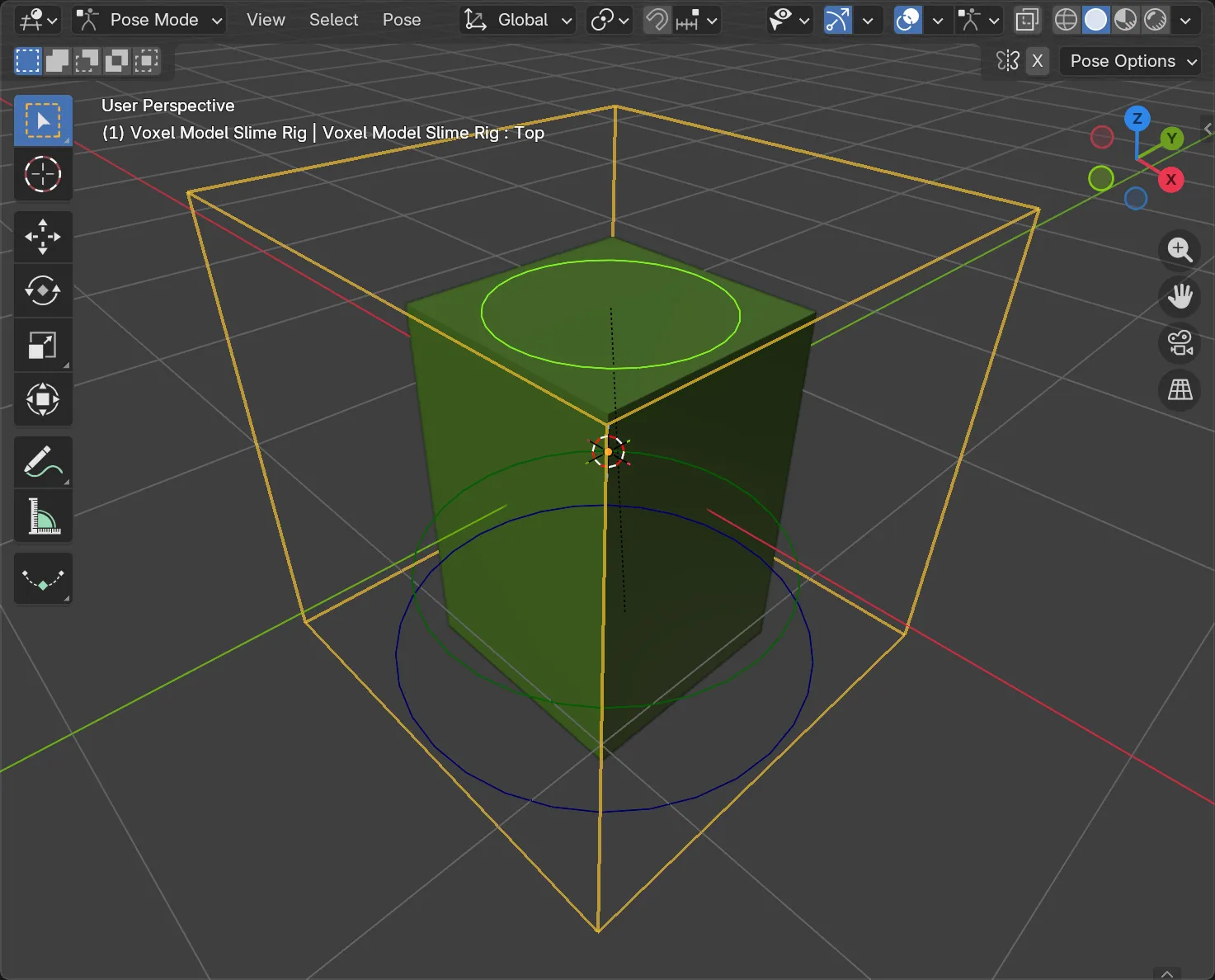
Reset Pose puts all three back to rest without touching any keys you’ve already made — useful mid-edit, when you just want to see the undeformed shape again.
4. Sample animations
Section titled “4. Sample animations”Back on the Character panel: Idle, Hop and Lunge Attack sit at the top for one-click play; open More Animations for the rest — Hit, Melt, Spawn, Look Around, Happy, Dizzy, Wobble. Ten in total, all built from the same three controls.
5. Repaint vs. reshape
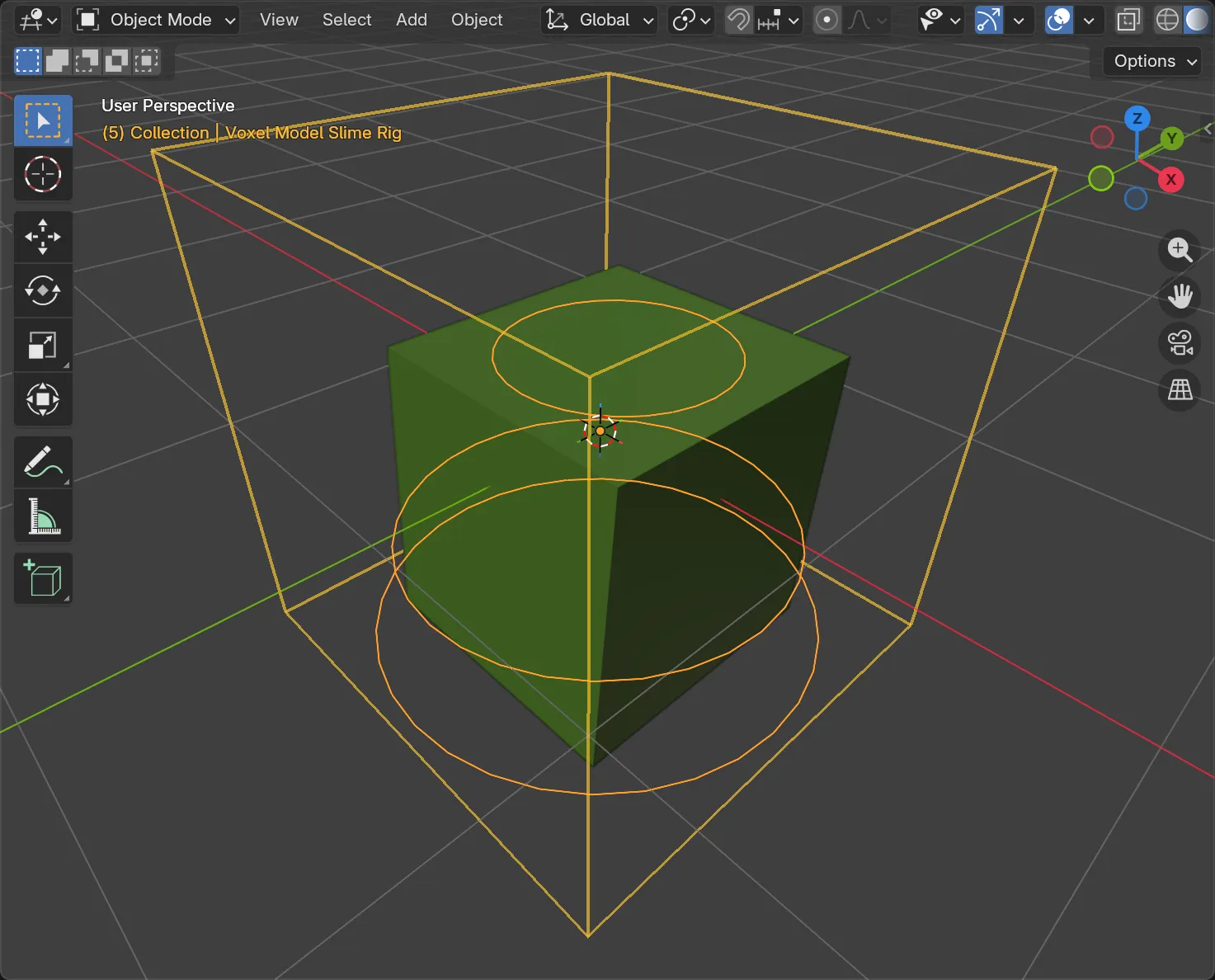
Section titled “5. Repaint vs. reshape”- Repainting the slime — changing its colours — updates the rig immediately. Nothing to redo.
- Reshaping it — adding or removing voxels — needs Rebuild Rig. It keeps your existing rig and every animation on it; only the fit changes.
To get back to the paintable voxel model at any point, press Model at the top of the panel. Animate brings the skinned slime back.
6. Output for export
Section titled “6. Output for export”Slimes get their own entry in Rig Type: Skin, alongside Rigid Parts and Strict Grid. It’s squash-and-stretch, and it’s the form a slime exports in. See Export to a game engine.
- Rig and animate a biped and Rig an animal for the other two templates.
- Characters, rigs and animation for the full reference, including Rigid Parts vs. Strict Grid vs. Skin output.